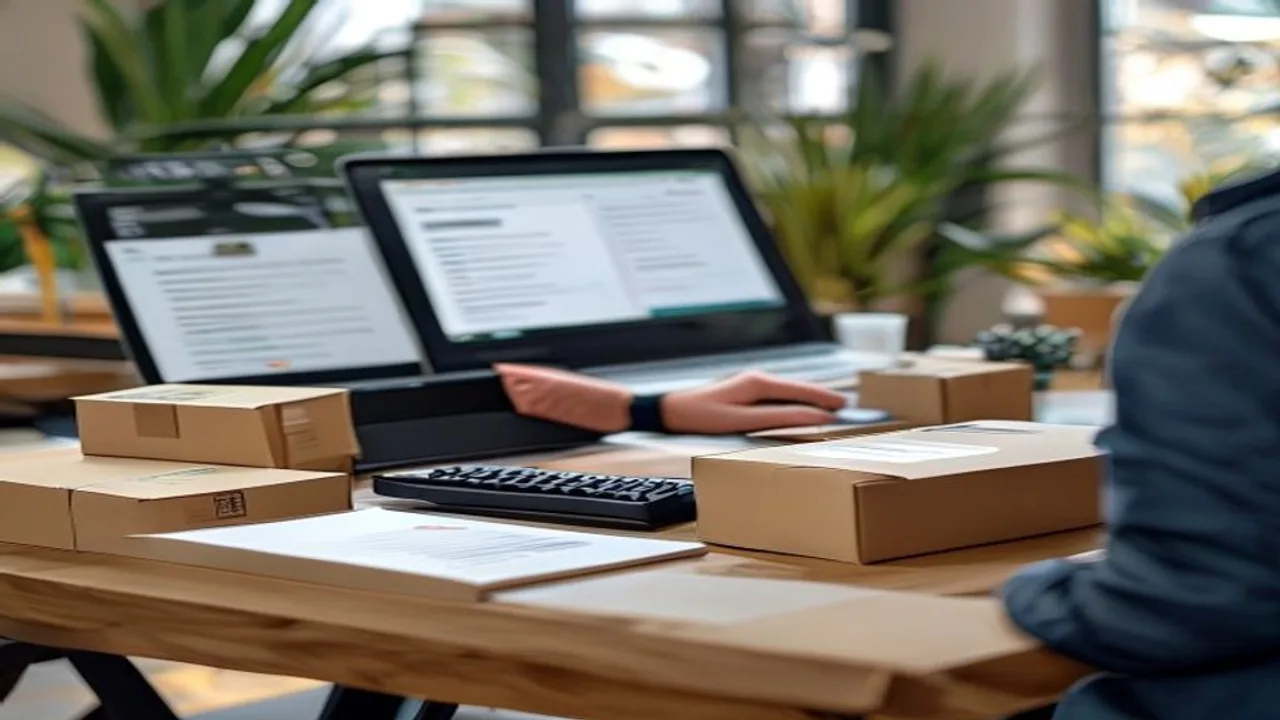
Professional product shoots cost serious money per item, yet most of your marketplace competitors shoot with phones. The difference is method, not equipment. Here is how to get a studio look on a zero budget.
Setup: The 0-Cost Studio
- **Light:** a large window without direct sun — north-facing at midday is ideal. Never use flash.
- **Background:** white cardboard curved from table to wall for a seamless sweep.
- **Fill:** white cardboard opposite the light softens shadows.
- **Stability:** lean the phone on books or use a cheap tripod; shake is the top cause of blur.
Camera Settings
- Wipe the lens (seriously — the most skipped step)
- Enable the grid; place the product at a lower-center intersection
- Tap to lock exposure; lower it slightly if needed
- Never digital-zoom; move closer
- Shoot 3-4 frames per angle: front, 45 degrees, side, detail
The Marketplace Shot Set
| Image | Content |
|---|---|
| 1 | Single product on white (mandatory main image) |
| 2 | 45-degree angle — shows volume |
| 3 | Detail/texture close-up |
| 4 | Scale perception — hand or known object |
| 5 | Usage scenario |
| 6 | Package contents |
After the Shoot: Free Editing Workflow
- Background cleanup: the [background remover](/arac/arkaplan-sil-pro) isolates the product onto pure white — main-image compliance guaranteed
- Studio scene: the [AI product photo tool](/arac/ai-urun-fotograf) places your frame onto marble, wood-table and similar scenes
- Bulk resize: bring the whole set to marketplace size at once with [bulk resize](/arac/image-resize-toplu)
- Compression: [image compression](/arac/gorsel-sikistir-pro) cuts file size while keeping quality
- Mockups: for digital or print products, show them in real settings with the [mockup tool](/arac/gorsel-mockup)
Top 5 Mistakes
- Shooting under yellow home lighting
- Shadowy/wrinkled backgrounds
- Shooting one frame and rebuilding the whole setup when it disappoints
- Over-filtering — color deviation raises return rates
- Low-resolution crops that kill the zoom feature
With this workflow you can produce complete image sets for 5-6 products in 30-40 minutes — all marketplace-compliant.